Purchasing
Recognise the part behind the quote.
ADAM checks vendor references against your catalogue and keeps unresolved lines visible for review.
Your catalogue. The right part in context.

ADAM reads incoming quotes, resolves lines against your catalogue and brings purchase history into the pricing decision.
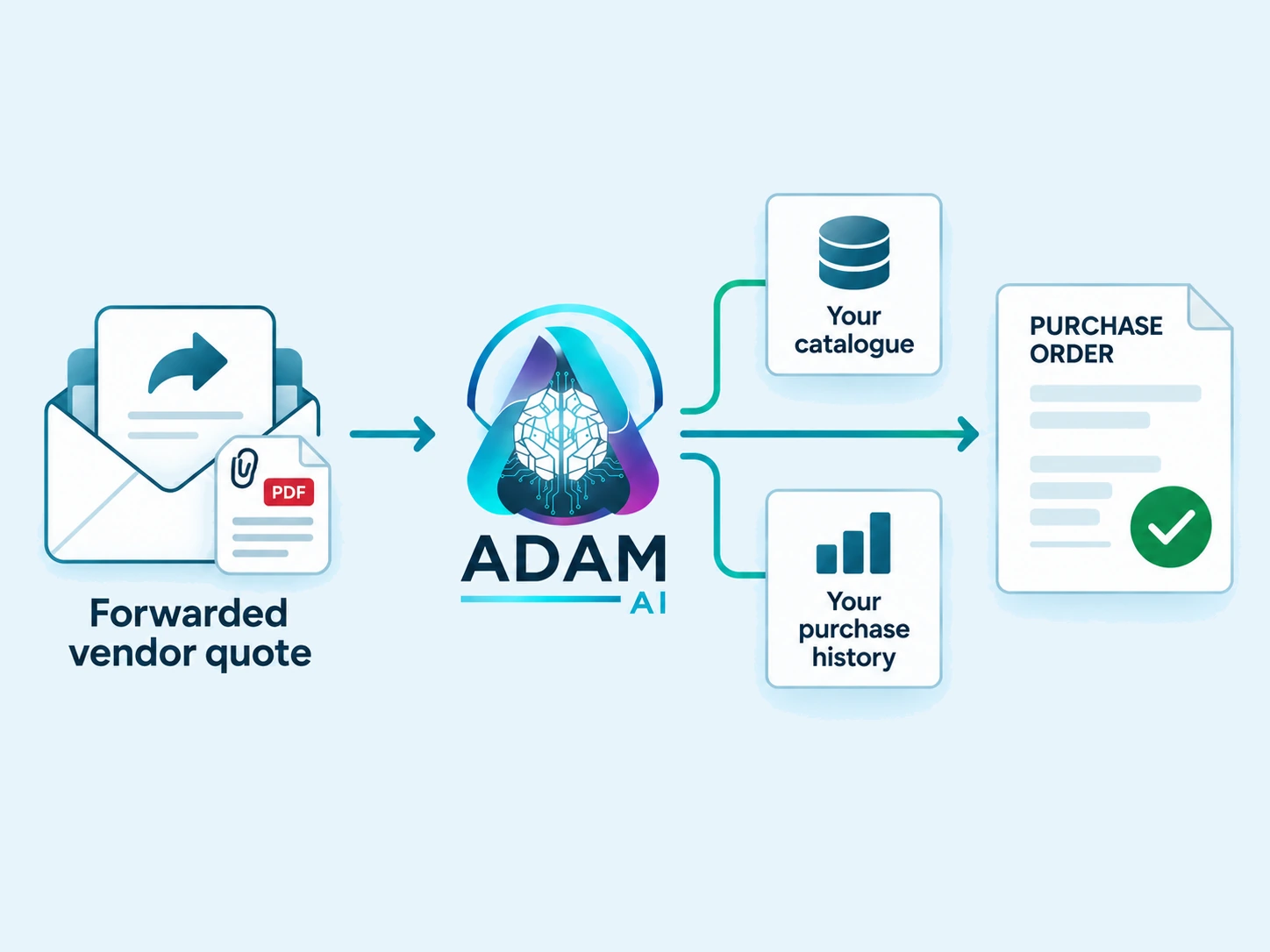
Start with the vendor quote. ADAM reads the parts and prices from the attachment. Bring your own records alongside it. Catalogue resolution and purchase history support the pricing decision. A clear draft for a person to approve. This matched example is ready for review. A person decides when to send.
ADAM distinguishes matched, multiple candidates, absent, unreadable and blank. An unreadable lookup is held for review.
Purchase-history benchmarks inform the reviewer. They do not automatically reprice or block a draft.
A person marks the draft to send. A failed lookup is not treated as evidence that a new part should be created.
Catalogue context, price history and a draft your team controls.
ADAM checks vendor references against your catalogue and keeps unresolved lines visible for review.
Your purchase history travels with the quoted line, so the approver can assess it without a second lookup.
A person marks the purchase order or proposal to send. Catalogue and price context stay with the draft.
Showing Purchasing, 1 of 3.
The result goes where your team works.
Connect one system or several, around the way your team works.
It is held as an open intake exception rather than attached to a best guess. A person assigns it from a queue, so an unattributed message stays a visible task instead of becoming a mail that quietly went nowhere.
It compares the line against what your organisation has paid for the same part before, and carries that benchmark onto the draft. The benchmark is advisory: it informs the person approving the draft rather than blocking the quote or rewriting the price.
No. Quotes often write a part number with punctuation or a trailing character the catalogue does not store. ADAM queries the catalogue with the number as written, then again with a normalised form, and calls a part absent only when both queries miss. That order stops a naming difference from being mistaken for a missing part.
No. ADAM reads, resolves and drafts, but a draft is pushed only after a person marks it to send. The final write is deliberately a human action, because a posted purchase order in a system of record cannot simply be unposted.
Either, depending on the direction of the transaction. Both are prepared in your own system of record with the resolved lines and pricing already filled in. A sales proposal additionally cannot be sent while any line on it is still unpriced.
A draft carries a reference once it has been pushed, and a draft that already has one is no longer eligible to push. A duplicate click, a retried job or a second scheduled run therefore cannot create a second purchase order from the same draft.
Try the extracted result, then talk to us about the checks and connections your team needs.
Start with the channels you already use. We map the documents, define the modules and connect the outputs to your existing team.