Site teams
Send the note the way you work.
Email, WhatsApp, PDFs and photos become structured records, with the original kept as evidence.
One site record, linked to its source.

ADAM matches delivery notes and invoices line by line, keeping missing loads, duplicates and quantity differences visible for review.
Bring the two records together. A delivery note and invoice are linked to the same site. Compare what arrived with what was billed. ADAM applies the site's configured matching rules: 32 delivered, 40 billed. Keep the difference beside its evidence. Eight cartons are flagged for review, with both original documents attached.
Matching follows the configured rules for each site, comparing quantities, products, dates and prices.
Your team can review a difference against the original delivery notes and invoices.
Exceptions stay visible for review. A flagged difference does not imply an automatic payment block.
Capture at the site. Compare in the office. Review with the originals.
Email, WhatsApp, PDFs and photos become structured records, with the original kept as evidence.
Site-specific rules compare delivered and billed quantities. Here, the invoice bills 40 cartons against 32 received.
The flagged record retains the delivery note and invoice, so your team can investigate before data moves onward.
Showing Site teams, 1 of 3.
The result goes where your team works.
Connect one system or several, around the way your team works.
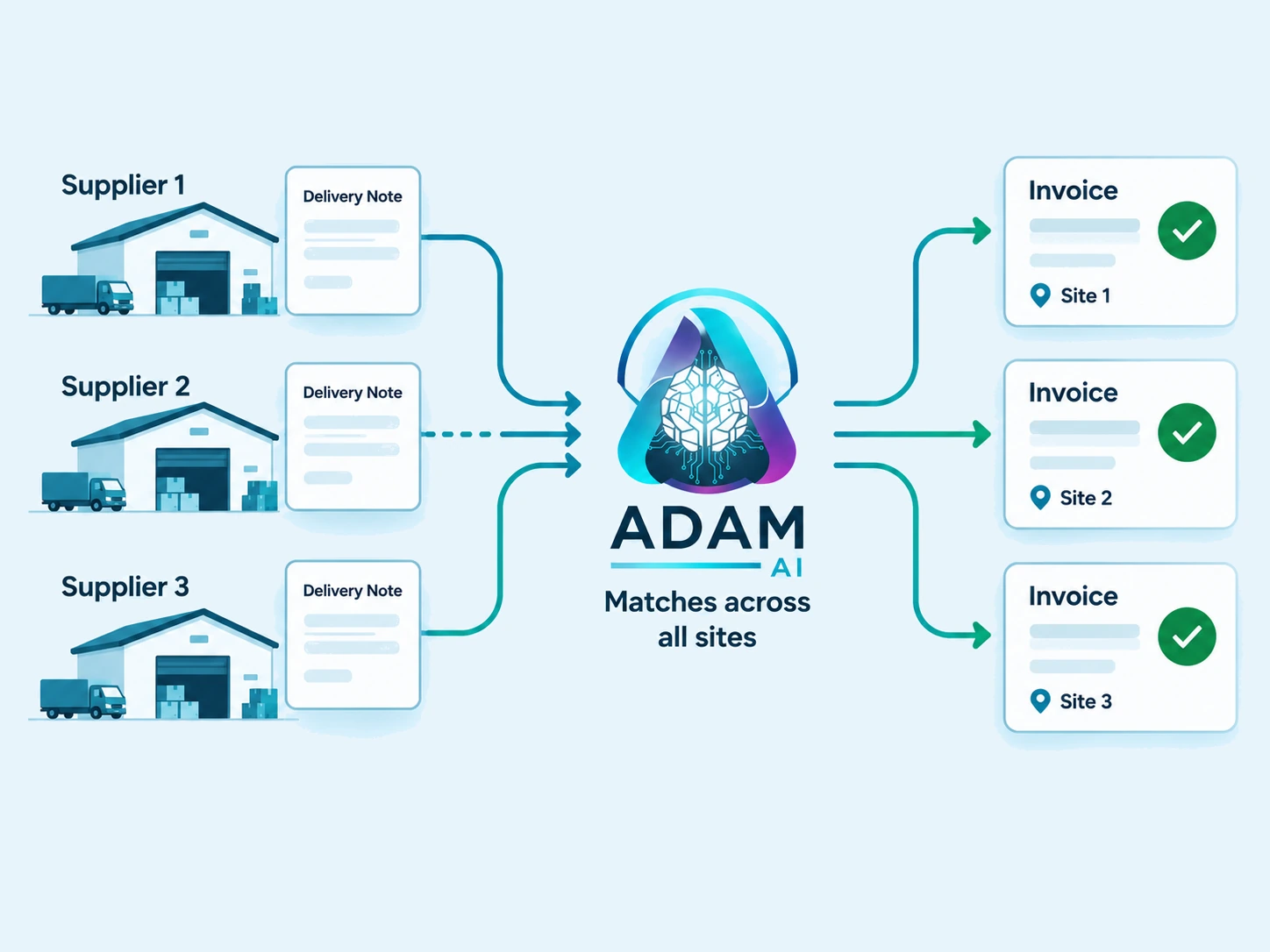
ADAM reads the delivery notes, orders and invoices for every site in a delivery network and matches them per site, even when one supplier submits paperwork for several locations at once. That three-way match across delivery note, order and invoice runs under each site's own rules, so differences in how sites record products and quantities do not break the reconciliation.
Yes. ADAM matches each delivery note against its invoice and order, so a load that was invoiced but never delivered, or delivered but never invoiced, shows up as a missing document rather than slipping through. These gaps are flagged early, before they reach month-end reporting.
No. Suppliers keep sending delivery notes and invoices the way they already do, whether that is email, PDF, a scan or a photo. ADAM reads those documents as they arrive, so there is nothing for the supplier to install or change.
Yes. ADAM structures each supplier's documents into the same clean set of fields even when the layouts differ, because extraction is configured per document type and per site. That means a new supplier format can be onboarded without rebuilding the process.
ADAM flags the line where the delivered quantity, price or product does not agree with the invoice or order, and keeps the original document attached as evidence. The team reviews the flagged difference instead of re-checking every correct line by hand.
Lieferschein is German for delivery note and Rechnung is German for invoice. Matching the Lieferschein to the Rechnung is the everyday term logistics and finance teams use for checking what was actually delivered against what was billed for it. Volume is high, every supplier uses its own format, prices move between order and delivery, and some loads are invoiced but never received, which is why doing it by hand is slow and why generic accounts-payable tools that only capture the invoice cannot do it at all.
Try the extracted result, then talk to us about the checks and connections your team needs.
Start with the channels you already use. We map the documents, define the modules and connect the outputs to your existing team.